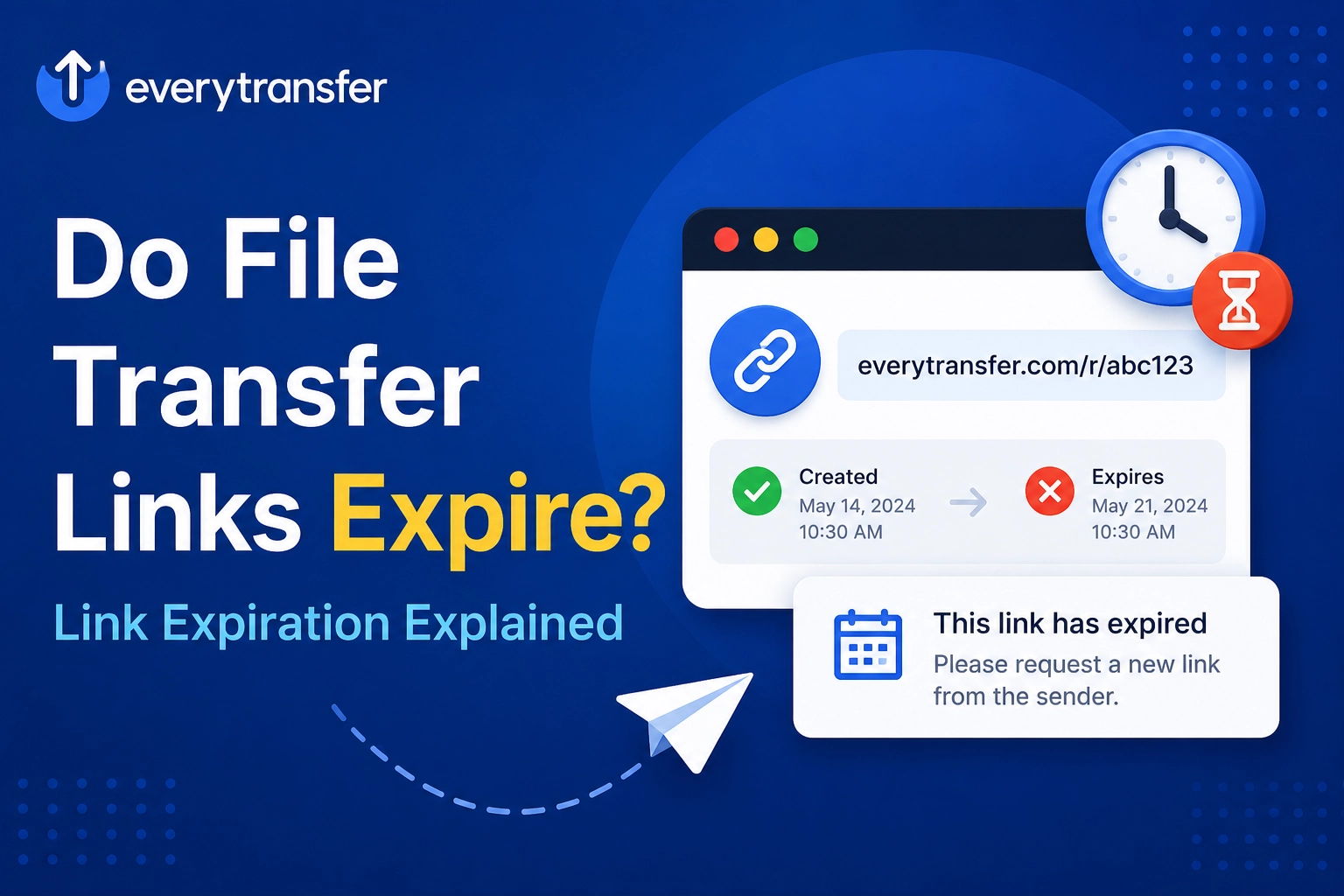
Yes — most file transfer links expire by default, typically after a few days to a few weeks, depending on the service and plan. When a link expires, the download page stops working and the files are deleted from the service's servers, usually permanently. Expiration is a deliberate security and storage feature, not a malfunction: it limits how long your files are exposed online and keeps transfer services free to use.
If you have ever clicked a link from last month and hit a "this transfer has expired" page, this guide explains exactly why that happens, how long links last across typical services, what is and isn't recoverable, and how to take control of expiry on your own transfers.
Send your files now, free
Up to 1 GB per transfer, no account needed. Share a link or email it.
Why Do File Transfer Services Expire Links?
Three forces drive link expiration, and all three work in your favor more often than against you:
- Storage economics. Transfer services move enormous volumes of data. If every free transfer lived forever, storage costs would compound indefinitely — automatic deletion is what makes free, account-less sending viable at all.
- Security. A download link is a URL, and URLs leak — they get forwarded, pasted into chats, and logged in browser histories. An expiry date caps the damage window: a leaked link to an expired transfer leads nowhere.
- Compliance and data minimization. Privacy frameworks such as the GDPR push the principle of keeping personal data no longer than necessary. Auto-expiring transfers implement that retention discipline by default.
"An expiring link is the difference between lending a key and leaving the door unlocked. The file is available exactly as long as it needs to be — and not a day longer."
How Long Do Transfer Links Usually Last?
Exact windows vary by service and change over time, so always check the confirmation email or download page for the date. The broad pattern across the industry looks like this:
- Free, no-account transfers: short windows — commonly around 3 to 7 days.
- Free accounts: often somewhat longer, with the ability to see and sometimes adjust the date.
- Paid plans: custom expiry dates measured in weeks or months, the ability to extend a live transfer, and sometimes storage-style transfers that persist until you delete them.
- Cloud drive share links (Google Drive, Dropbox, OneDrive): these generally do not expire on their own — the flip side is that the file occupies your storage and stays exposed until you remember to unshare it.
That last contrast matters: "never expires" sounds like a feature, but for one-time delivery it usually means "forgotten and still public." Our comparison of the best WeTransfer alternatives looks at how different services balance link lifetime against control.
What Happens When a Transfer Link Expires?
Expiry is a two-step event. First, the link goes dead: anyone visiting it sees an "expired" or "not found" page instead of the download. Second, the files are deleted from the service's servers — sometimes immediately, sometimes after a short grace period for paid users. After deletion, the data is gone from the service's side: support teams generally cannot restore an expired free transfer, because the whole point of the system is that nothing is retained. The only reliable copies are the sender's original and whatever recipients downloaded in time.
How Do You Control When Your Link Expires?
On EveryTransfer, expiry is predictable, not a surprise: guest transfers stay live for 3 days and transfers from a free-forever account for 15 days. On paid plans (covered on the plans page, with a 14-day money-back guarantee) links never expire unless you choose your own expiry date to match the job — two days for a sensitive contract, several weeks for a client deliverable.
Two complementary controls complete the picture. A download limit expires the link by usage rather than time — set it to 1 and the link dies the moment your recipient has the file, even if the date is days away. And download analytics (plus notifications on paid plans) tell you whether the file was actually retrieved, so you never have to guess whether it is safe to let a link lapse. See download analytics for how per-link tracking works.
Choosing the Right Expiry: Quick Guidelines
- Sensitive documents (contracts, IDs, financials): 1–7 days, plus a password and a download limit of 1–3. See security features.
- Client deliverables (video, design files): 1–4 weeks, so the client can re-download during review rounds.
- Event photos or media for a group: 2–4 weeks with no download limit, since many people will fetch it.
- Anything you'd hate to see leak: the shortest window the recipient can realistically meet.
What Should You Do When You Receive an Expiring Link?
- Download promptly — treat the link as a pickup window, not permanent storage. The expiry date is usually shown in the email or on the download page.
- Save the files somewhere you control, such as your own drive or cloud storage, and verify they open correctly.
- Don't bookmark the link as your copy. Once it expires, it cannot be revived.
- Ask for a re-send early if you miss the window — the sender still has the originals and can create a fresh link in minutes.
Frequently Asked Questions
Can an expired transfer link be recovered?
Generally no. Once a transfer expires, the files are deleted from the service's servers, and on free tiers that deletion is permanent by design. The practical recovery path is not technical: ask the sender to upload the files again and send a new link. Senders with an account can sometimes extend a link before it expires — but not after.
How do I know when a link will expire?
Check three places: the transfer email (most services state the date or window in the body), the download page itself (an expiry date or countdown is usually displayed), and — if you are the sender — your transfer dashboard, which lists each transfer's status and date. If none of those show a date, assume roughly a week on a free service and download immediately.
Can a file transfer link never expire?
Some paid plans and cloud drive shares allow links with no expiry date, where files persist until you delete them. It is worth using deliberately rather than by default: a permanent link to a forgotten file is a standing exposure. For long-term sharing, prefer a link you actively manage — password-protected, monitored with download analytics, and reviewed occasionally — rather than one that simply never dies.
Does a download limit work like an expiry date?
It is a complementary control, not a replacement. An expiry date caps the link's lifetime in days; a download limit caps it in uses. Combined, they cover both failure modes: the link dies after the intended downloads happen or after the deadline passes, whichever comes first. For sensitive sends, use both.
So, do file transfer links expire? Yes — by design, usually within days to weeks — and that expiry is doing quiet security work for you every time a forgotten URL leads nowhere. The real upgrade is moving from default expiry to chosen expiry: pick the date, add a password and a download limit, and let notifications confirm the handoff. EveryTransfer gives you all of those controls on its paid plans, and lets you send up to 1 GB free with no account needed.
Send files free with EveryTransfer