How to Send Large Files with OneDrive (and Its Limits)
OneDrive shares files up to 250 GB — but quota, permission friction, and no expiry on personal plans complicate it. The full how-to plus a cleaner alternative.
Read articleOneDrive shares files up to 250 GB — but quota, permission friction, and no expiry on personal plans complicate it. The full how-to plus a cleaner alternative.
Read articleMimecast blocks large attachments at your company's gateway — limits are admin-set, often 25–100 MB. Here is how to send large files through (or around) it.
Discord caps uploads at 10 MB free, 500 MB with Nitro. Here is how to send large files on Discord without Nitro — and why Discord file links now expire.
Email tops out at 25 MB — here are 6 ways to send large files without it: transfer links, cloud drives, messaging apps, local transfer, and more, compared.
Videos blow past email limits instantly — a 25 MB cap fits ~15 seconds of 4K. Here is how to send large video files by email: links, Mail Drop, and compression.
How to send large files free: transfer links, cloud drives, compression, P2P and more — every method compared by size limit, speed, and recipient friction.
Yes — most file transfer links expire by default, usually within days to weeks. Learn why links expire, what happens after, and how to control expiry.
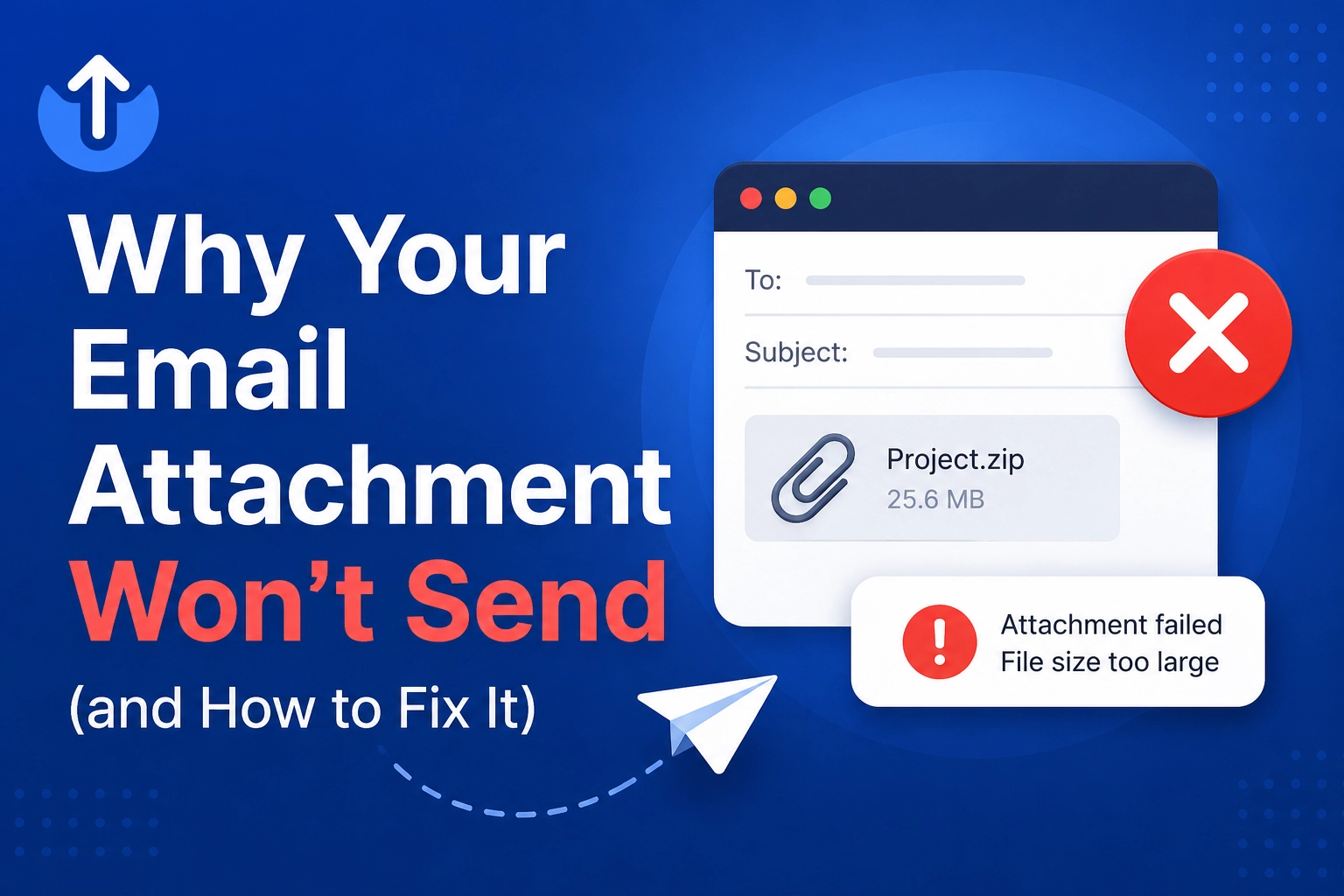
Email attachments usually fail because of size caps — Gmail and Yahoo allow 25 MB, Outlook 20 MB — or blocked file types. Here are the 6 causes and fixes.
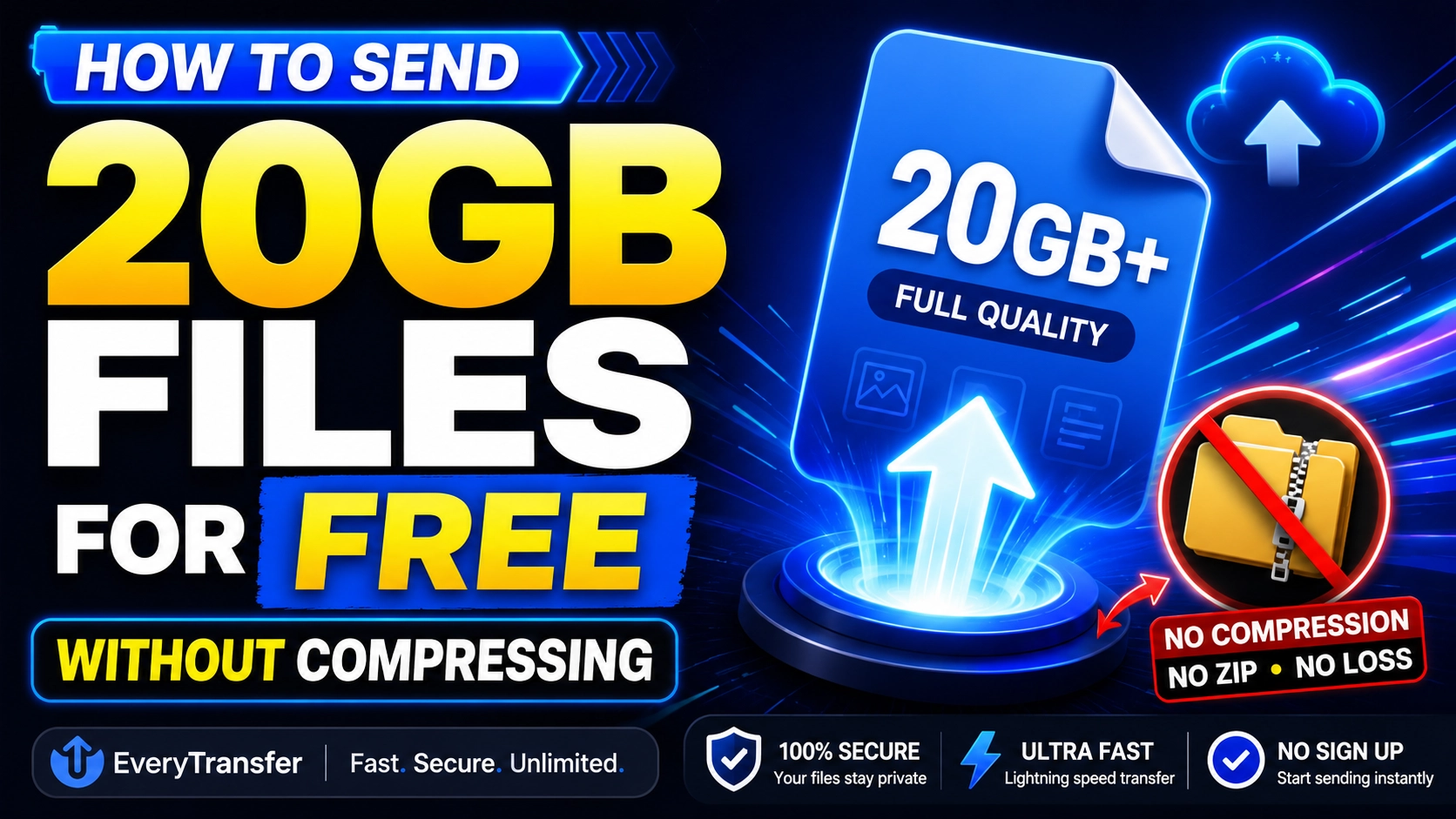
Send 20GB files free with a high-limit transfer service or cloud drive link — no compression needed. Caps, upload times, and step-by-step instructions.
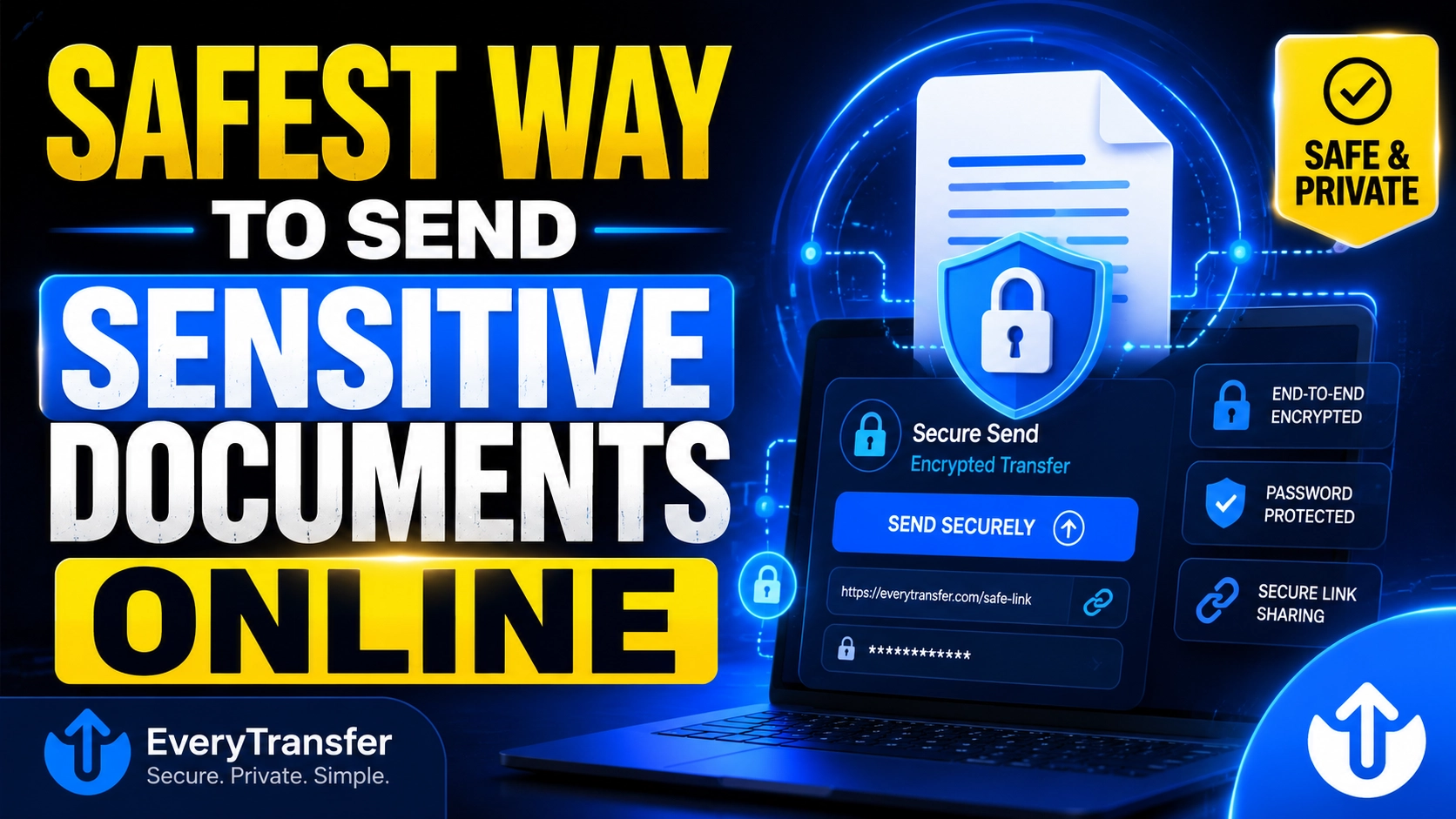
The safest way to send sensitive documents is an encrypted transfer link with a password and expiry date. See ranked methods, risks, and a checklist.
A practical guide to GDPR-compliant file sharing for small businesses: expiring links, passwords, encryption, and download logs mapped to GDPR rules.
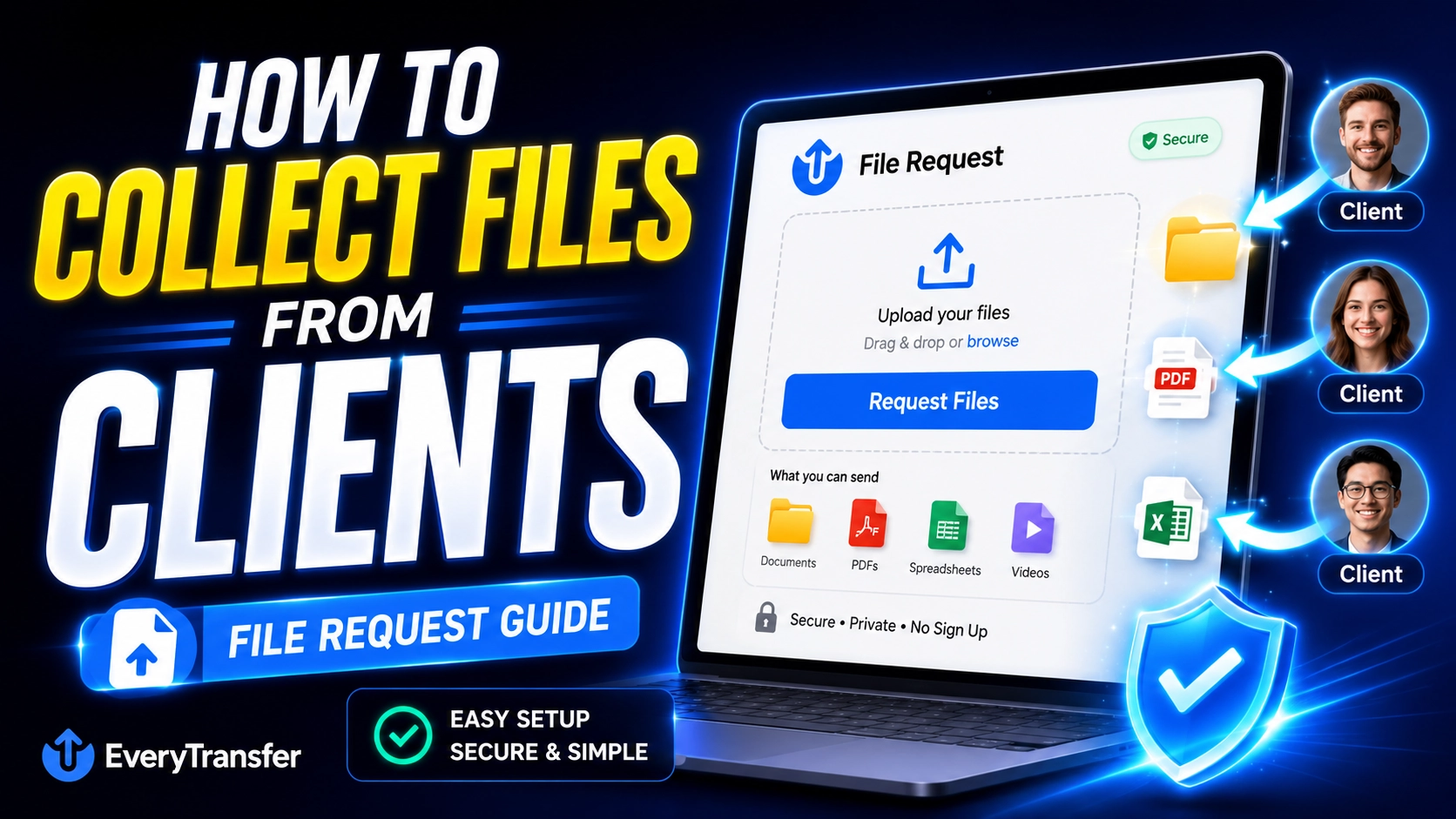
Stop chasing email attachments. Use a file request link to collect files from clients in one place — no client accounts, no version chaos.
4K footage is massive. Learn how to send multi-gigabyte video files to clients and editors with resumable uploads, no compression, and full tracking.
The complete guide for photographers: deliver full-resolution photo galleries clients can preview on any device and download from one branded link.
Moving files between computers? Compare 6 methods — USB drives, SSDs, network sharing, cloud, cables, and transfer links — and pick the fastest.
Four practical ways to password-protect files before sending: ZIP encryption, PDF and Office passwords, and protected transfer links with expiry.
WhatsApp compresses videos and caps file size. Here are the workarounds that keep full resolution — including a free link method that always works.
Outlook blocks attachments over 20 MB. Learn why, what OneDrive auto-upload really does, and the easiest free way to send large files via Outlook.
FTP is showing its age. Explore modern FTP alternatives — browser transfer services, managed SFTP, and APIs — and how to migrate without chaos.
The 10 best free file sharing sites in 2026, ranked: no-signup transfers, realistic size limits, security controls, and how to choose the right one.
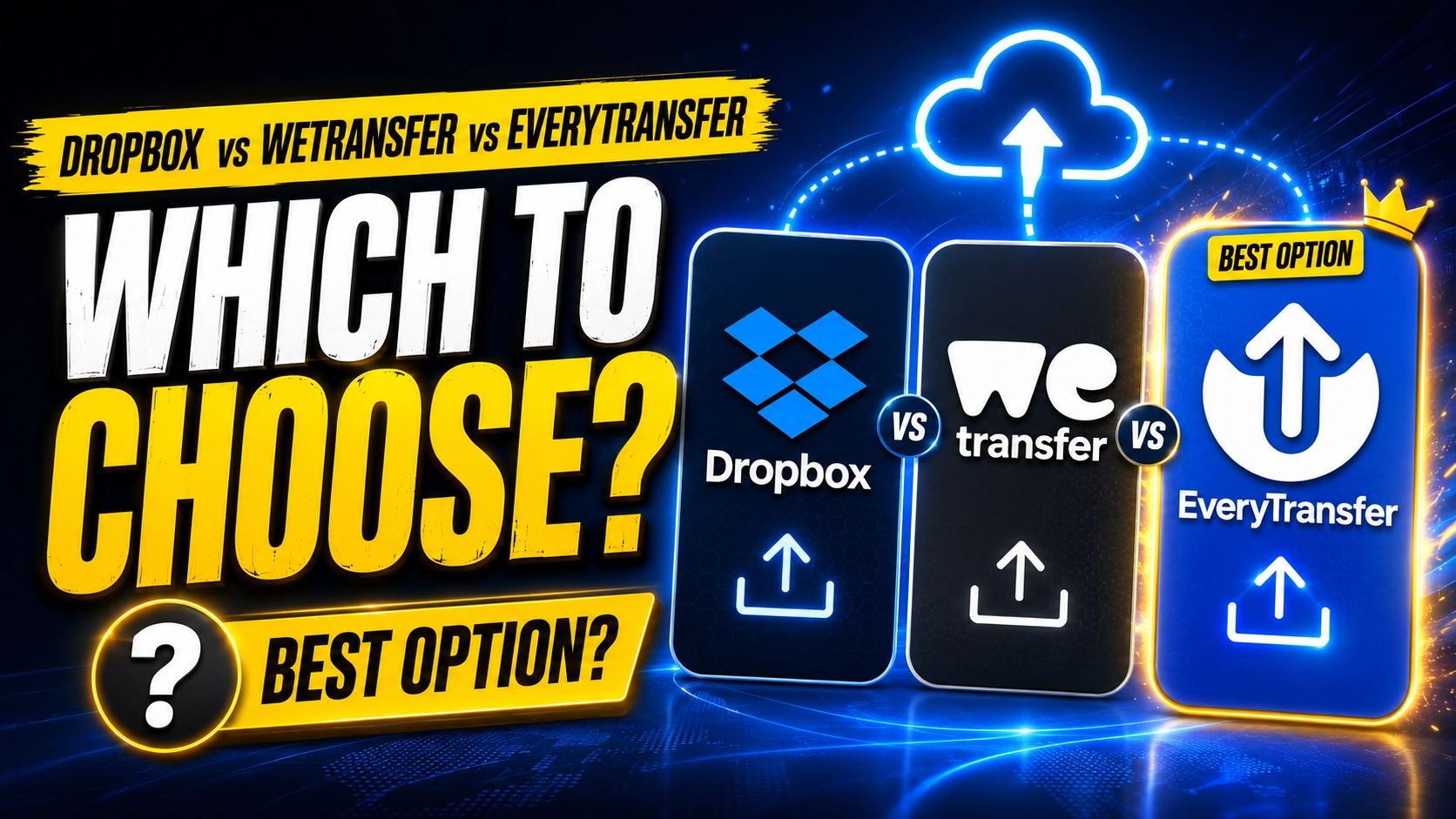
Dropbox, WeTransfer, or EveryTransfer? We compare free limits, expiry control, security, and branding so you can pick the right tool for the job.
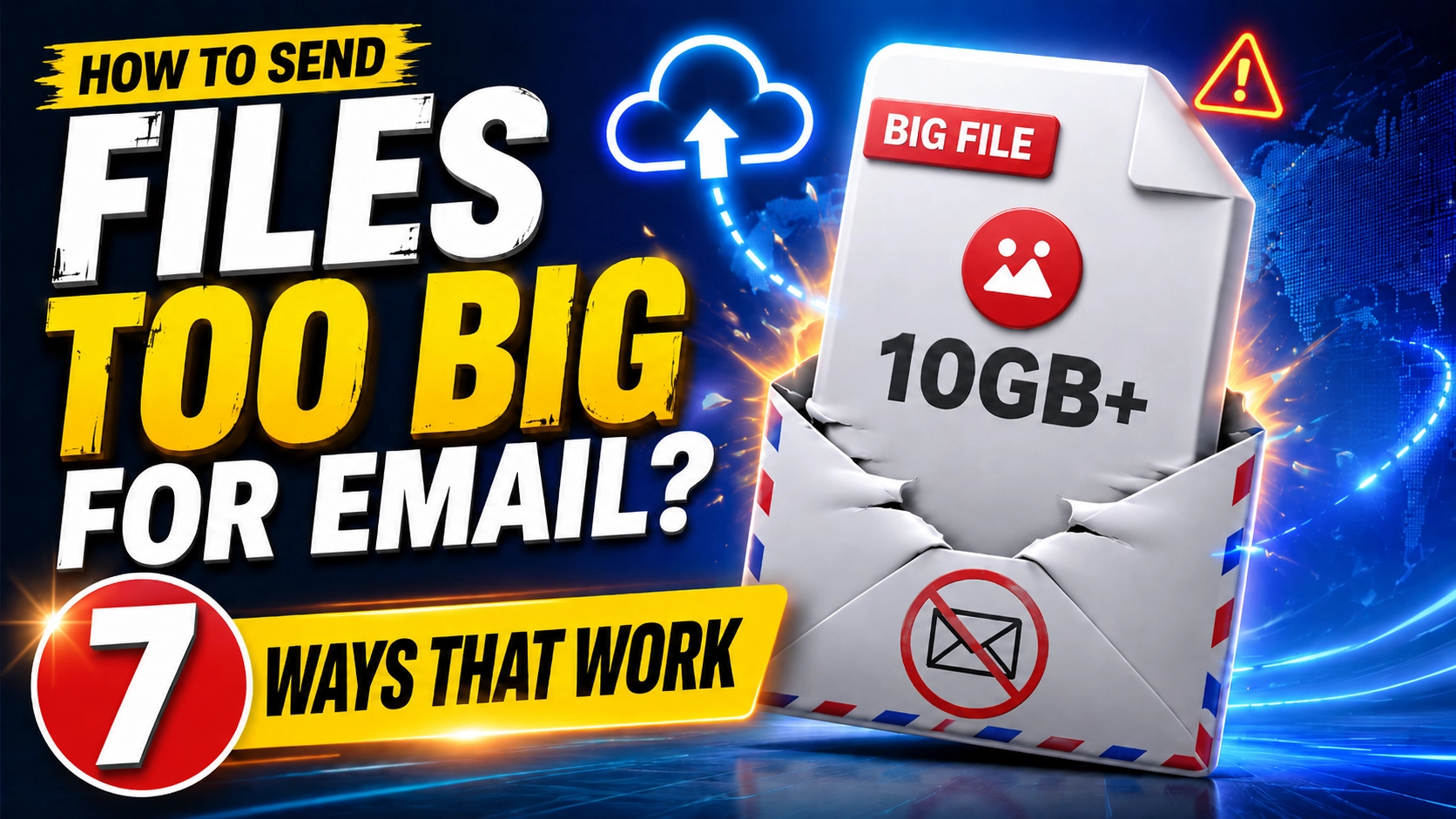
Email caps attachments at 20-25 MB. Here are 7 proven ways to send large files over email - transfer links, cloud drives, compression - with exact steps.
The best WeTransfer alternatives in 2026 offer more storage, longer link expiry, and stronger security. See which tools beat WeTransfer on price and features.
Struggling to send large videos online? Learn 3 proven methods for files up to 60 GB+, from dedicated transfer tools to cloud storage and smart compression.
Ultimate guide to transfer large files using EveryTransfer.