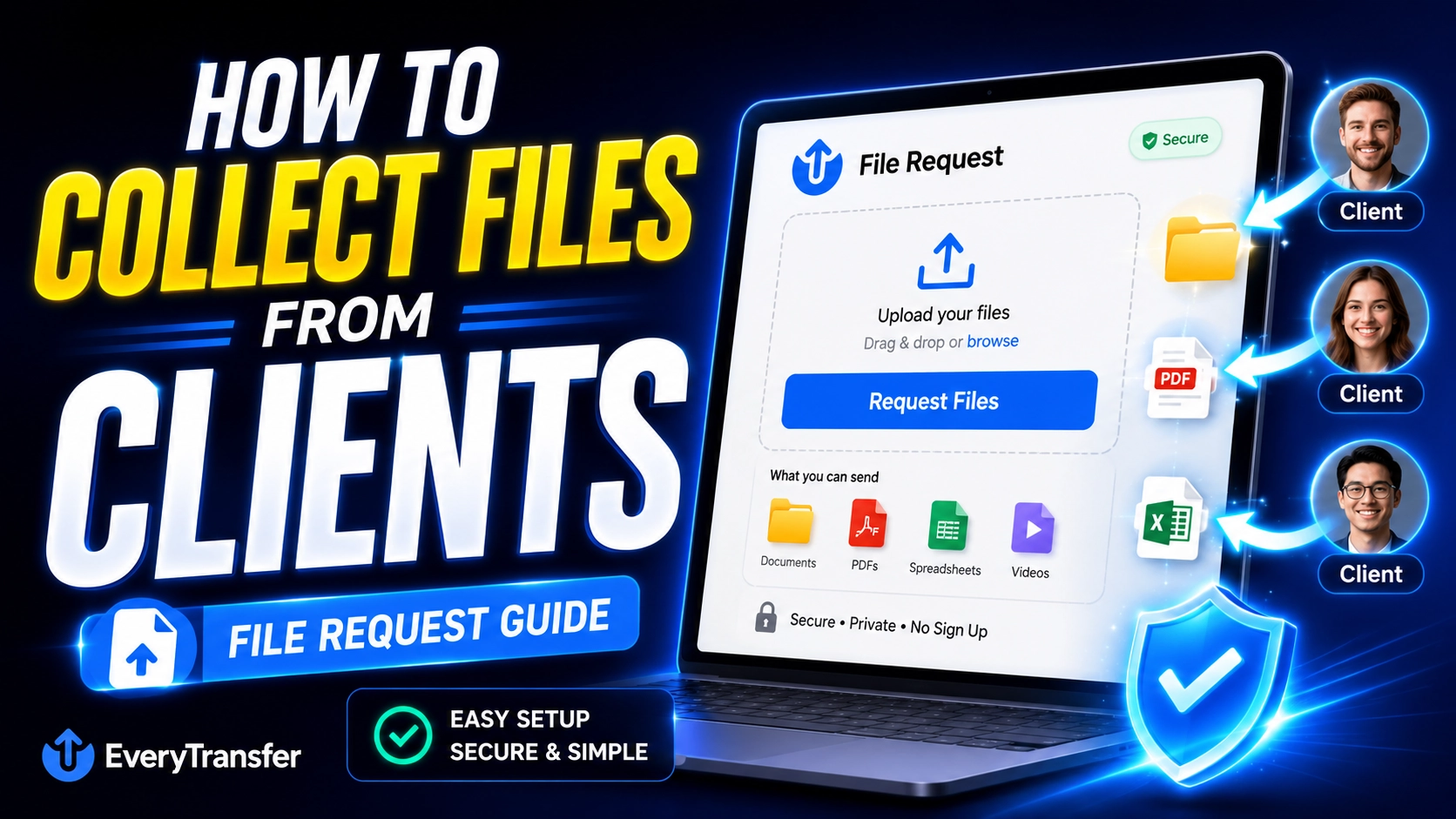
Sending files to clients is a solved problem. Getting files from them is where projects stall. Every agency, accountant, and designer knows the ritual: you ask for the logo files, the signed forms, or the tax documents, and what comes back is a trickle of email attachments, a "sorry, it says the file is too big," and a Dropbox invitation the client never figures out how to accept.
There's a better pattern, and once you adopt it you'll never go back: the file request link. Instead of teaching every client a new tool, you send one link where they simply drop their files — no account, no app, no instructions. Here's how it works and how to set it up.
Why collecting files from clients is so painful
The core problem is that you're asking someone outside your organization — with their own tools, habits, and patience level — to perform a technical task correctly. The failure modes are predictable:
- Email attachment limits. Anything over ~25 MB bounces, so clients split files across messages, skip files, or mail you a USB stick. (Yes, there are Gmail workarounds — but you can't make clients read them.)
- Tool friction. Shared Dropbox or Drive folders demand accounts, permissions, and a mental model many clients simply don't have. Every "request access" email is a day lost.
- Version chaos. logo_final.png, logo_final_v2.png, and logo_FINAL_use-this-one.png arrive across three channels over two weeks, and nobody is sure which one is real.
- Scattered channels. Half the files arrive by email, some by WhatsApp, one by a wetransfer link that expired before you opened it. Assembling the full set becomes your job.
Multiply that by every active client and file collection quietly becomes one of the biggest hidden time sinks in your service business.
What is a file request link?
A file request link is a URL that flips the direction of file sharing: instead of someone sending files to you through their tools, they upload files to you through yours. You create the request, send the link, and the client lands on a simple upload page — drag files in, click send, done. Everything arrives in one place on your side, attached to the request you created, instead of scattered across inboxes.
The crucial design decision is that all the complexity lives on your side. The client never creates an account, never installs anything, and never sees a permissions screen. If they can attach a file to an email, they can use a file request link — except this time there's no size limit getting in the way.
How to collect files with EveryTransfer's receive requests
EveryTransfer's receive-files feature turns this pattern into a two-minute setup. Receive requests are part of the paid plans — all covered by a 14-day money-back guarantee — and here's the full workflow:
- Create a receive request. From your dashboard, set up a new request with a clear name — "Acme Co — Brand Assets" — and a short note telling the client exactly what to upload.
- Set the guardrails. Add an expiry date that matches your project deadline, so the request naturally closes when the intake window ends.
- Send the link. Drop it in your onboarding email, your proposal, or your project kickoff message. It's one URL — no invitations to accept, no folders to share.
- The client drags files in. They open the link in any browser, on any device, drop their files, and submit. No account, ever.
- You get notified and everything lands in one place. Each submission arrives organized under its request, with notifications by email or straight into Slack, Discord, or Telegram, so intake updates appear where your team already works.
Because submissions are grouped by request — and requests can live inside projects — the "which version is current?" question answers itself: the latest upload in the request is the latest version, with a timestamp to prove it.
Where file requests shine: four everyday use cases
- Client onboarding documents. Contracts, briefs, access credentials, and kickoff questionnaires — one request per new client makes onboarding a checklist instead of a chase.
- Brand assets for agencies and designers. Logos, fonts, photography, and guidelines arrive in source quality instead of compressed email copies.
- Tax and accounting documents. Accountants can issue one request per client per filing season, pair it with security controls, and stop accepting sensitive PDFs over plain email.
- Print and production files. Printers and producers can collect multi-hundred-megabyte press-ready artwork that no inbox would ever accept.
Tips for friction-free file collection
One request per project (or per purpose)
Resist the temptation to run one catch-all upload link forever. A dedicated request per project — or per intake purpose, like "2025 tax documents" — keeps submissions sorted on arrival and makes it obvious when something is missing.
Tell clients exactly what you need
Use the request description as a mini-checklist: "Please upload (1) your logo in vector format (.ai or .svg), (2) brand fonts, (3) any photography we're licensed to use." Specific asks get complete uploads; vague asks get a single screenshot of a logo from their website.
Set a deadline and let expiry enforce it
An expiry date on the request gives your ask natural urgency — "the upload link closes Friday" lands very differently from "whenever you get a chance." If the deadline slips, extend it deliberately rather than leaving links open forever.
Follow up on the gap, not the person
Because every submission is logged, your follow-ups can be precise and blame-free: "Thanks for the logo files — we're just missing the font licenses now." Clients respond far better to a specific missing item than to a third "just checking in" email.
Frequently Asked Questions
Do my clients need an account to upload files?
No — clients never need an EveryTransfer account to send you files. They open your request link in any browser, drag their files in, and submit. That's the whole point of the feature: the account, the organization, and the notifications all live on your side, while the client's side stays as simple as possible.
How is a file request different from a shared folder?
A file request is one-way and zero-setup, while a shared folder is two-way and permission-heavy. Shared folders require the client to have (or create) an account, accept an invitation, and understand where to put things — and they expose whatever else is in the folder. A request link does exactly one job: it accepts uploads from anyone who has the link, within the window you define, without showing them anything they shouldn't see.
Is it safe to receive sensitive documents through a file request?
Yes — and it's typically safer than the email attachments it replaces. Files travel over encrypted connections, requests can expire automatically so links don't linger, and paid plans add file encryption at rest for stored submissions. For client-facing work like tax intake, that combination is a meaningful upgrade over PDFs sitting indefinitely in an inbox; see the security feature overview for details.
What does it cost to use receive requests?
Receive-files requests are a paid EveryTransfer feature, with every paid plan backed by a 14-day money-back guarantee. Regular outbound sending stays free — up to 1 GB per transfer without an account, and a free account is free forever — so you can start on the free tier and add receive requests when client intake becomes part of your workflow. Current plan details are on the plans page.
Make file collection a system, not a chore
Every hour spent chasing attachments is an hour not spent on billable work. One request link per project, a clear checklist, a deadline, and automatic notifications turn file collection from a recurring headache into something that quietly runs itself.
Send files free with EveryTransfer