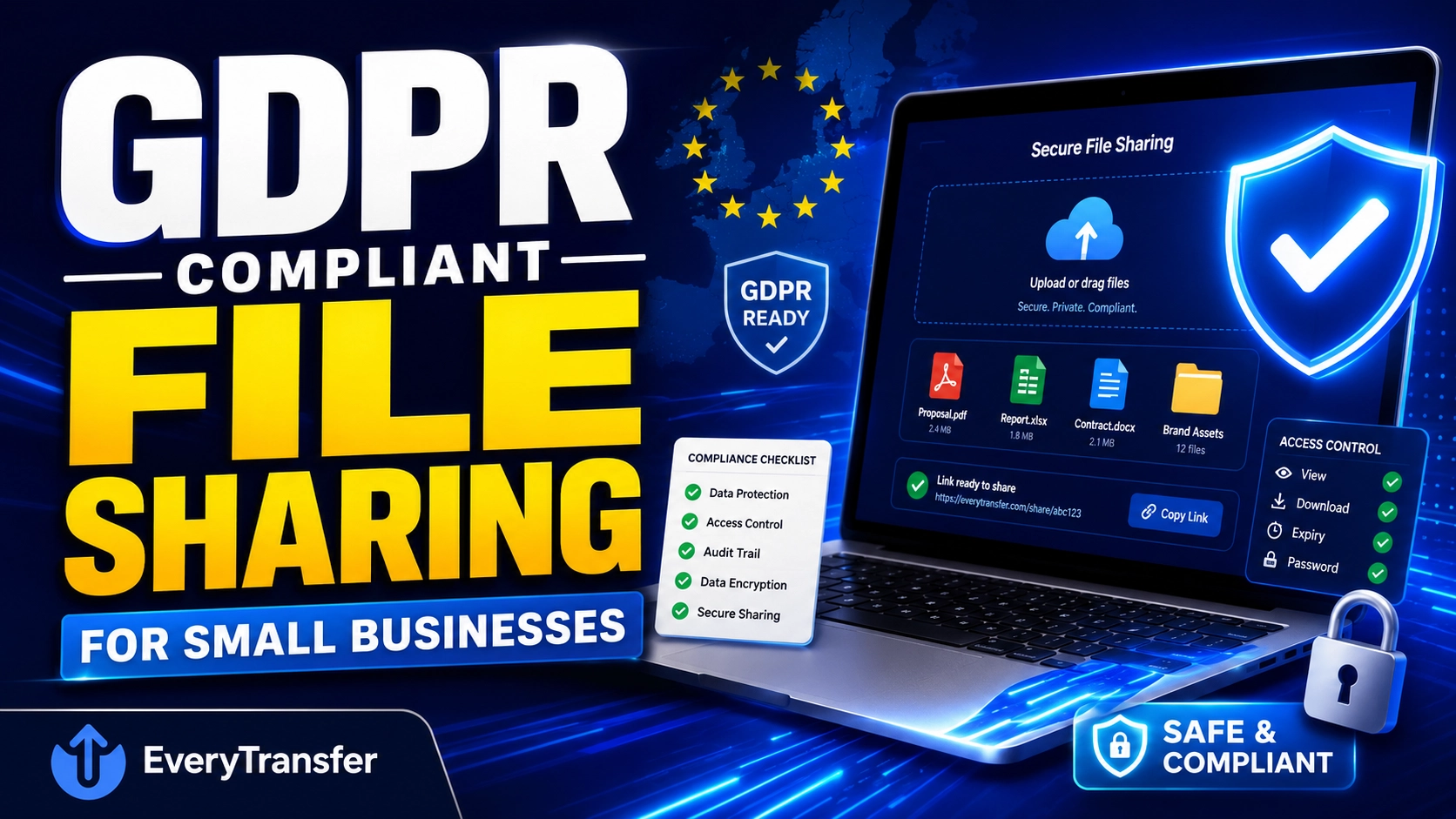
A spreadsheet of customer emails, a scanned passport for a contract, a folder of employee payslips — the moment you share any of these, you're processing personal data, and if you're in the EU or serve EU customers, the GDPR has opinions about how you do it. Yet most small businesses still move exactly these files through open-ended cloud links and plain email attachments, simply because nobody ever showed them a better way.
Disclaimer: this article is general information, not legal advice — consult a qualified professional for your specific obligations.
The encouraging news is that GDPR-friendly file sharing isn't about expensive enterprise software. It's about a handful of habits — expiring links, passwords, encryption, and a record of who downloaded what — that any business can adopt this week. Here's how the principles translate into practice.
When does file sharing fall under the GDPR?
The GDPR applies whenever you process the personal data of people in the EU — and "processing" explicitly includes transmitting and storing files. If a file you share can identify a living person, the regulation is in scope. Common examples for small businesses and agencies:
- Customer lists, CRM exports, and email databases
- Contracts, invoices, and proposals containing names and addresses
- Scans of IDs, passports, or proof-of-address documents
- HR files: CVs, payslips, employment contracts
- Photos and videos in which individuals are identifiable
- Design or campaign files that embed real customer data
Notice what's not on the list: logo files, product photos, code. Plenty of everyday transfers carry no personal data at all. The skill is recognizing which ones do — and handling those with more care.
GDPR principles, translated into file-transfer decisions
The GDPR is built on principles rather than a checklist of approved tools. Four of those principles map directly onto how you share files:
Data minimization → send only what's needed
Share the two columns the recipient needs, not the whole CRM export. Before any transfer, ask: does this file contain more personal data than this task requires? Trimming a file before sending is the cheapest compliance measure that exists, and an expiry date ensures even the trimmed file doesn't circulate forever.
Storage limitation → links that delete themselves
Personal data shouldn't be kept longer than necessary, and a transfer link is storage. An open-ended cloud link shared in 2023 is still a live copy of that data today. Auto-expiring transfers solve this by design: you set the lifetime when you send — a week, a month — and when it lapses, the files are gone without anyone having to remember a cleanup task.
Integrity and confidentiality → encryption and access control
The GDPR's security principle expects "appropriate technical and organisational measures." For file transfers, that translates to encryption in transit (HTTPS/TLS), encryption at rest for stored files, password protection so a forwarded link alone isn't enough to open the data, and download limits that cap how many times a file can be retrieved.
Accountability → being able to show what happened
Accountability means you can demonstrate compliance, not just assert it. Download logs and notifications give every transfer a paper trail: when it was sent, when it expired, whether and when it was downloaded. If a customer ever asks what happened to their data — or a regulator does — "here's the record" beats "we think the right person got it."
A practical GDPR file-sharing checklist
- Before sending, strip the file down to the personal data the recipient actually needs
- Set an expiry date on every transfer containing personal data — make "no expiry" the exception that needs a reason
- Password-protect sensitive transfers and share the password through a different channel (e.g., link by email, password by phone or chat)
- Use a service with encryption in transit, and encryption at rest for higher-risk files
- Cap downloads where one recipient means one download
- Turn on download notifications and keep the logs
- Stop emailing scans of IDs and contracts as attachments
- Write these habits into a one-page internal policy so the whole team shares files the same way
How to set up a compliant-by-default transfer with EveryTransfer
EveryTransfer bundles each of the controls above into the normal send flow, so doing the right thing takes seconds rather than a procedure document:
- Upload the file at everytransfer.com — recipients never need an account, so there's no pressure to fall back to email attachments for convenience.
- Set a custom expiry date that matches the purpose: a contract for signature might need a week, a payroll handoff a single day. This is storage limitation, automated.
- Add a password and share it through a separate channel, so a forwarded or leaked link is useless on its own.
- Set a download limit — for a single named recipient, one download is often all the link should allow.
- Enable encryption at rest (available on paid plans) for ID documents, HR files, and anything else you'd hesitate to leave on a desk. Details are on the security page.
- Turn on download notifications and keep the analytics. Email, Slack, Discord, or Telegram alerts confirm delivery in real time, and download analytics preserve the record for your accountability file.
You can adopt the workflow on the free tier — up to 1 GB per transfer without an account, and a free account is free forever — then add encryption at rest and team features on a paid plan, which comes with a 14-day money-back guarantee.
What to avoid: the two riskiest habits
Open-ended public links
An "anyone with the link" cloud URL with no expiry is a standing copy of personal data with no access control and no end date — forwarded, indexed in chat histories, and forgotten. For sending personal data outward, use links that expire.
Emailing ID documents and sensitive records as attachments
An email attachment is copied to every server and inbox it touches and lives there indefinitely, far outside your control — the opposite of storage limitation. Replace the habit with an expiring, password-protected transfer link; the recipient experience is just as easy, and the data stops existing on schedule.
"You can't lose control of a file that no longer exists. Expiry dates are the most underrated security feature in file sharing."
Frequently Asked Questions
Is it GDPR-compliant to send personal data by email?
Email isn't banned by the GDPR, but ordinary attachments make several principles hard to satisfy — there's no expiry, no access control after sending, and no way to retract a copy once it leaves your outbox. For low-risk data, email may be defensible; for ID documents, financial records, or HR files, an expiring, password-protected transfer link is far easier to justify under the security and storage-limitation principles.
How long can I keep shared files online?
Only as long as the purpose of the transfer requires — the GDPR sets no universal number of days, so the retention period is yours to define and defend. A practical approach: match the expiry to the task (days for a one-off handoff, weeks for an ongoing review), write that rule into your internal policy, and let auto-expiring links enforce it automatically rather than relying on someone to remember deletions.
Does password protection alone make a transfer GDPR-compliant?
No single feature makes anything "GDPR-compliant" — compliance describes your overall processing, not a checkbox. A password addresses one slice of the security principle; you still need a lawful basis for sharing the data, minimization of what's in the file, limits on how long it persists, and a record of what happened. That's why the workflow above combines passwords with expiry, encryption, and download logs rather than leaning on any one control.
Do these rules apply to my business outside the EU?
Yes, if you offer goods or services to people in the EU or monitor their behavior — the GDPR applies based on whose data you process, not where your office is. A US design studio with EU clients is in scope for that data. Even where it technically isn't, the same habits satisfy similar laws elsewhere, so one careful workflow covers you broadly.
Compliance as a habit, not a project
GDPR-friendly file sharing for a small business comes down to defaults: send less, let links expire, protect access, and keep the receipts. Choose a transfer tool where those defaults take seconds to apply, write the habit down, and the compliant way becomes the easy way.
Send files free with EveryTransfer