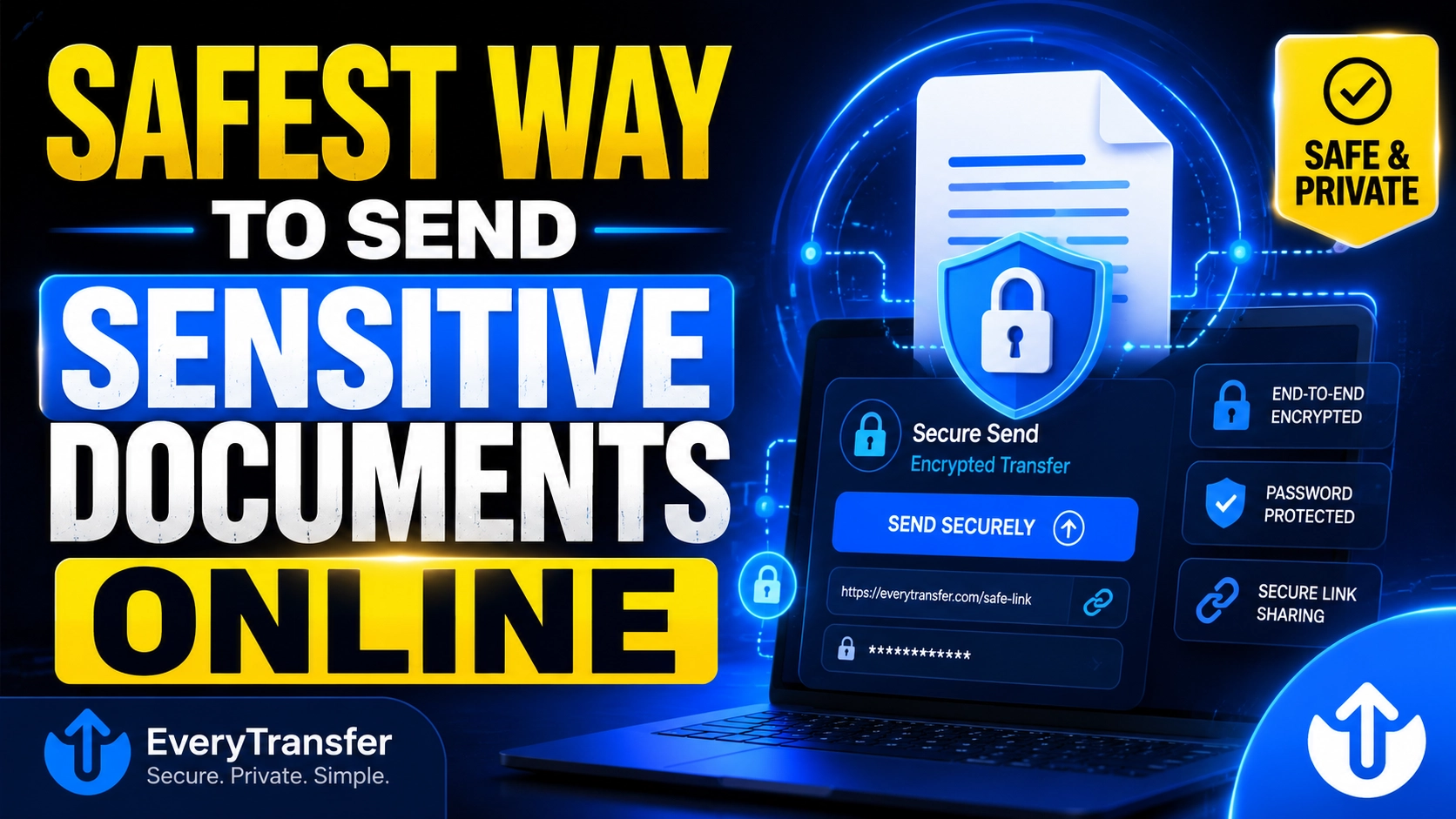
The safest way to send sensitive documents online is with an encrypted file transfer link that is protected by a password and set to expire automatically — and the password should be shared through a separate channel, such as a text message or phone call. This combination encrypts the files in transit, blocks anyone who intercepts or guesses the link, and ensures the documents do not sit on a server indefinitely. Plain email attachments and open "anyone with the link" cloud shares are the least safe common options.
The stakes are real: IBM's 2024 Cost of a Data Breach report put the global average cost of a breach at $4.88 million, and misdirected files are among the most common human-error exposures. The good news: sending a contract, tax return, or ID scan safely takes about two minutes once you know which method to use. This guide ranks the options and gives you a reusable checklist.
What Are the Real Risks When You Send Documents Online?
Before choosing a method, it helps to know what you are actually defending against. For most people and small businesses, the threat model comes down to three failure modes:
- Interception in transit. Files sent over unencrypted connections, or forwarded through multiple mail servers, can be read by anyone positioned along the way.
- The wrong recipient. A mistyped email address, an auto-completed contact, or a forwarded message puts your document in front of someone who was never meant to see it.
- Lingering copies. Attachments live forever in sent folders, inboxes, backups, and cloud accounts. A document that needed to be private for one week can remain exposed for years.
- Compromised accounts. If a recipient's inbox or cloud account is breached later, every attachment ever sent to it is breached too.
Notice that two of these four risks happen after delivery. That is why the safest methods control not just how a file travels, but how long it stays accessible and who can open it.
What Is the Safest Method to Send Sensitive Documents, Ranked?
1. An encrypted transfer service with a password and expiry date (safest)
A dedicated file transfer service like EveryTransfer sends files over an encrypted HTTPS connection and gives you controls email never will: a password on the download page, a custom expiry date so the link dies on schedule, a download limit so the file can only be retrieved a set number of times, and download notifications so you know exactly when it was picked up. Because the document travels as a link rather than an attachment, no permanent copy lodges in mail servers. Paid plans add encryption at rest — see the security features for details.
"Send the link one way and the password another. Splitting the two channels is the single highest-leverage habit in secure file sharing — an attacker who intercepts one channel still gets nothing."
2. An encrypted ZIP or PDF with the password sent separately
If you must use email, encrypt the document first. Tools like 7-Zip (AES-256) or the built-in password protection in Acrobat and Microsoft Office wrap the file in strong encryption, and you then send the password by SMS or phone — never in the same email thread. The weaknesses: many mail filters block ZIP attachments outright, recipients often struggle to open encrypted archives, and the encrypted copy still lingers in inboxes forever. It protects the contents, but not the lifecycle.
3. A secure client portal
Accountants, law firms, and clinics often use portals where clients log in to exchange documents. Portals are genuinely secure — access is authenticated and audited — but they only work when both sides use the same system, and they are overkill for one-off sends. If you regularly collect sensitive files from clients, a receive-files request (on EveryTransfer paid plans) gives you a portal-like inbound link without forcing anyone to create an account.
Why are plain email attachments and open cloud links the worst options?
A standard email attachment is copied to every server it passes through, stays in the recipient's inbox indefinitely, and cannot be revoked after sending. An open cloud link set to "anyone with the link can view" is arguably worse: the URL is the only secret, it never expires unless you change the setting, and it can be re-shared or leaked in chat logs. Neither method gives you a password, an expiry, or any record of access.
Sensitive Document Sending Checklist
Run through this list every time you send anything confidential — it takes under a minute:
- Use an encrypted transfer link, not a raw email attachment.
- Set a password on the download — and send it via a different channel (SMS, call, or messaging app).
- Set an expiry date matched to need: 1–7 days for most documents.
- Set a download limit (often 1–3) so the link cannot be reused indefinitely.
- Double-check the recipient's address before sending.
- Turn on download notifications so you know the moment the file is retrieved.
- Delete or let the transfer expire once the recipient confirms they have the file.
How Do You Send Sensitive Documents Securely with EveryTransfer?
- Go to everytransfer.com — no account is needed to send up to 1 GB per transfer, and recipients never need an account.
- Add your documents and choose link or email delivery.
- Open the transfer options and set a password, a custom expiry date, and a download limit.
- Send the link, then share the password through a separate channel.
- Watch for the download notification, and check download analytics if you need a record of when and how often the file was accessed.
If you handle confidential files regularly, the paid plans add encryption at rest, receive-files requests, and custom branding — with a 14-day money-back guarantee.
Frequently Asked Questions
Is email secure enough for sensitive documents?
Not on its own. Most providers encrypt mail in transit with TLS, but that encryption is opportunistic — it can silently fall back to plain text — and it does nothing once the message lands. Attachments sit unencrypted in inboxes and backups indefinitely, and you cannot revoke or expire them. If email is unavoidable, encrypt the file itself and send the password separately.
Is WhatsApp safe for sending sensitive documents?
WhatsApp encrypts messages end-to-end in transit — genuinely strong protection against interception. The weaknesses are at the endpoints: documents are saved to recipients' phones and often auto-backed up to cloud accounts where end-to-end encryption may not apply, and you cannot control forwarding or set an expiry. It is acceptable for low-stakes documents, but a password-protected expiring link gives you far more control.
How long should a secure link stay active?
As short as practicality allows — for most sensitive documents, 1 to 7 days is the sweet spot. The recipient has time to download even if they are traveling, but the exposure window stays small. Pair the expiry with a download limit of one or two so the link dies as soon as it has done its job, even before the date arrives.
Should I delete the file after the recipient downloads it?
Yes, when you can — the fewer live copies of a sensitive document, the smaller your exposure. With an expiring transfer link this happens automatically: once the link expires, the files are removed from the server. If you are weighing services, our guide to the best WeTransfer alternatives compares the security controls each one offers.
The safest way to send sensitive documents online comes down to three controls: encryption, a password shared out-of-band, and an automatic expiry. An encrypted transfer service gives you all three in one step, plus notifications that prove delivery. EveryTransfer includes password protection, custom expiry dates, and download limits on every transfer — free, with no account required to send.
Send files free with EveryTransfer