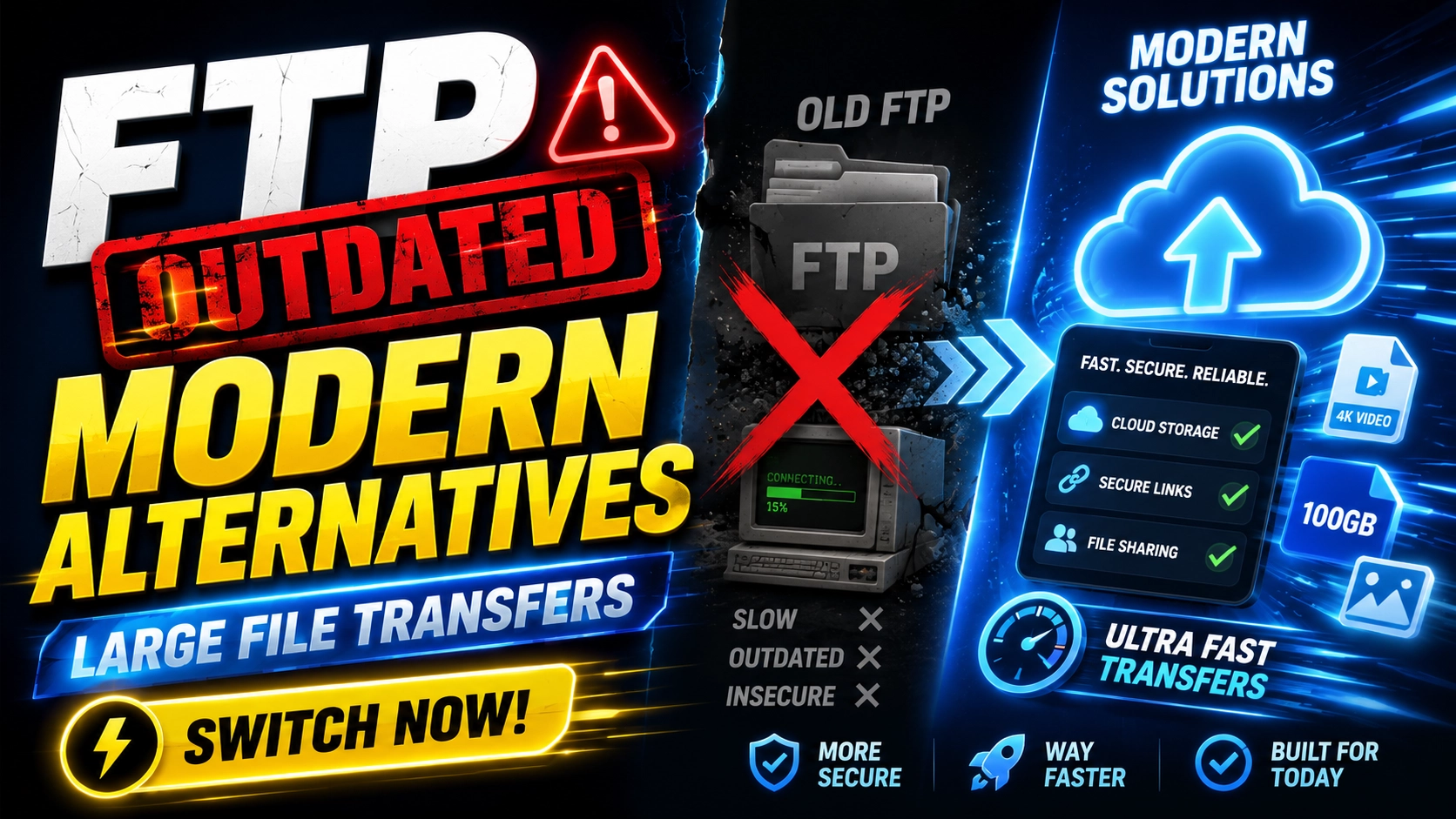
FTP turned fifty a while ago, and in plenty of agencies, print shops, and broadcast houses it is still quietly running the file pipeline. It still works — sort of. But every year the gap widens between what FTP does and what modern teams need: security by default, zero recipient setup, and visibility into what was actually delivered. This guide explains why FTP persists, where it genuinely falls short, and the modern alternatives that replace it with far less friction.
Why FTP Is Still Around
FTP survives for unglamorous reasons. It is baked into decades of legacy workflows — prepress systems, CMS deployments, partner data handoffs — where the cost of change feels higher than the cost of the status quo. It has no per-gigabyte fees once the server exists. And for the IT veterans who set it up, it is a known quantity. Inertia is a feature, right up until it becomes a liability.
The Problems With FTP in 2026
Security was bolted on, not built in
Plain FTP transmits credentials and file contents unencrypted — anyone positioned on the network path can read them. The secure variants (FTPS, SFTP) fix the encryption but inherit the rest of the model: long-lived passwords, broad server access, and little granular control over who can fetch what, and for how long.
Firewalls and NAT fight it
FTP's dual-channel design — separate control and data connections — predates modern network security. Active-versus-passive mode confusion, blocked port ranges, and NAT traversal failures remain the classic FTP support tickets. The protocol works against today's networks instead of with them.
The user experience is hostile
Sending someone a file over FTP means sending them a hostname, a username, a password, and often a recommendation to install client software. For a developer, that is a Tuesday. For a client trying to review a video cut, it is a support call waiting to happen.
No notifications, no analytics
FTP cannot tell you whether your recipient downloaded the file, when, or how many times. There are no expiring links, no download limits, and no audit trail without bolting on extra tooling. In client work, that silence translates directly into follow-up emails and uncertainty.
Modern Alternatives to FTP
Browser-based file transfer services
For human-to-human delivery, a browser-based transfer service removes every piece of FTP friction at once. With EveryTransfer, you upload in the browser — chunked and resumable, so large files survive interruptions — and your recipient gets a simple download link. No client software, no credentials, and no account on either end for transfers up to 1 GB. You also gain what FTP never had: password protection, custom expiry dates, download limits, notifications via email, Slack, Discord, Telegram, or webhooks, and download analytics.
Managed SFTP services
If a legacy system on either end speaks only FTP or SFTP, managed SFTP platforms keep the protocol but outsource the painful parts: hosting, patching, key management, and compliance. The trade-offs are cost and the fact that the recipient experience is still SFTP. Sensible as a bridge; rarely the destination.
Cloud storage sync
Dropbox, Google Drive, and OneDrive replace server-to-server FTP patterns with synced folders. This shines for ongoing internal collaboration, less so for outbound delivery — links inherit permission complexity, and large outbound files occupy your storage quota indefinitely. If delivery is the actual job, see our comparison of transfer-focused alternatives.
Transfer APIs for automated workflows
The scripted FTP upload — cron job, command-line client, fingers crossed — is where many teams feel most locked in. A REST API replaces it cleanly: EveryTransfer's API lets you create transfers programmatically, with chunked, resumable uploads for large files and webhook notifications when files are downloaded. The same automation, plus delivery confirmation, over plain HTTPS that every firewall already allows.
How to Replace an FTP Drop with EveryTransfer
- Go to everytransfer.com and upload your files — no account needed for transfers up to 1 GB.
- Set a password, custom expiry date, and download limit; this replaces the access control your FTP server used to provide.
- Send the link by email or drop it into your project channel.
- Let download notifications confirm delivery — no more asking whether the files arrived.
- For inbound files, use receive-files requests so clients upload to you through a simple branded page instead of juggling FTP credentials.
Migration Tips for Agencies and Teams
- Inventory first. List every workflow that touches FTP — outbound deliveries, inbound client uploads, automated jobs — and migrate by type, not all at once.
- Replace inbound FTP with receive requests. A receive-files link is the easiest win: clients upload through the browser, and nothing about your server is exposed.
- Automate via API, not scripts on servers. Move scheduled jobs to a REST API with webhooks so failures are visible instead of silent.
- Keep branding consistent. Custom domains and branded download pages keep client deliveries under your name during and after the switch.
- Decommission deliberately. Once traffic hits zero, close the FTP ports — an idle FTP server is pure attack surface.
"FTP tells you a file was uploaded. Modern transfer tools tell you it was delivered."
Frequently Asked Questions
What is the best alternative to FTP?
For sending files to people, a browser-based transfer service like EveryTransfer is the best FTP replacement: encrypted HTTPS transfer, no client software, and delivery controls FTP never offered. For machine-to-machine workflows, a REST API with webhook notifications is the modern equivalent of scripted FTP uploads.
Is SFTP good enough, or do I need to replace it?
SFTP fixes FTP's encryption problem and remains a reasonable choice for system-to-system integrations where both ends already speak it. It does not fix the experience problem: recipients still need credentials and client software, and you still get no notifications, no expiring links, and no download analytics.
Can a transfer service handle files as large as FTP can?
Yes. Modern transfer services move multi-gigabyte files routinely, using chunked and resumable uploads that recover from dropped connections — something a plain FTP transfer handles poorly. EveryTransfer supports up to 1 GB per transfer with no account at all, and its paid plans are built for heavier professional workloads.
How do I receive large files from clients without FTP?
Use a receive-files request: you send the client a simple upload link, they drag their files into the browser, and you are notified on arrival. EveryTransfer offers receive-files requests on paid plans — no credentials to issue and nothing for the client to install.
FTP earned its keep for decades, but persistence is not the same as fitness. Modern alternatives are encrypted by default, friendly to firewalls and recipients alike, and — crucially — they tell you what happened to your files. Migrate the human-facing transfers first, automate the rest through an API, and retire the server with confidence.
Send files free with EveryTransfer