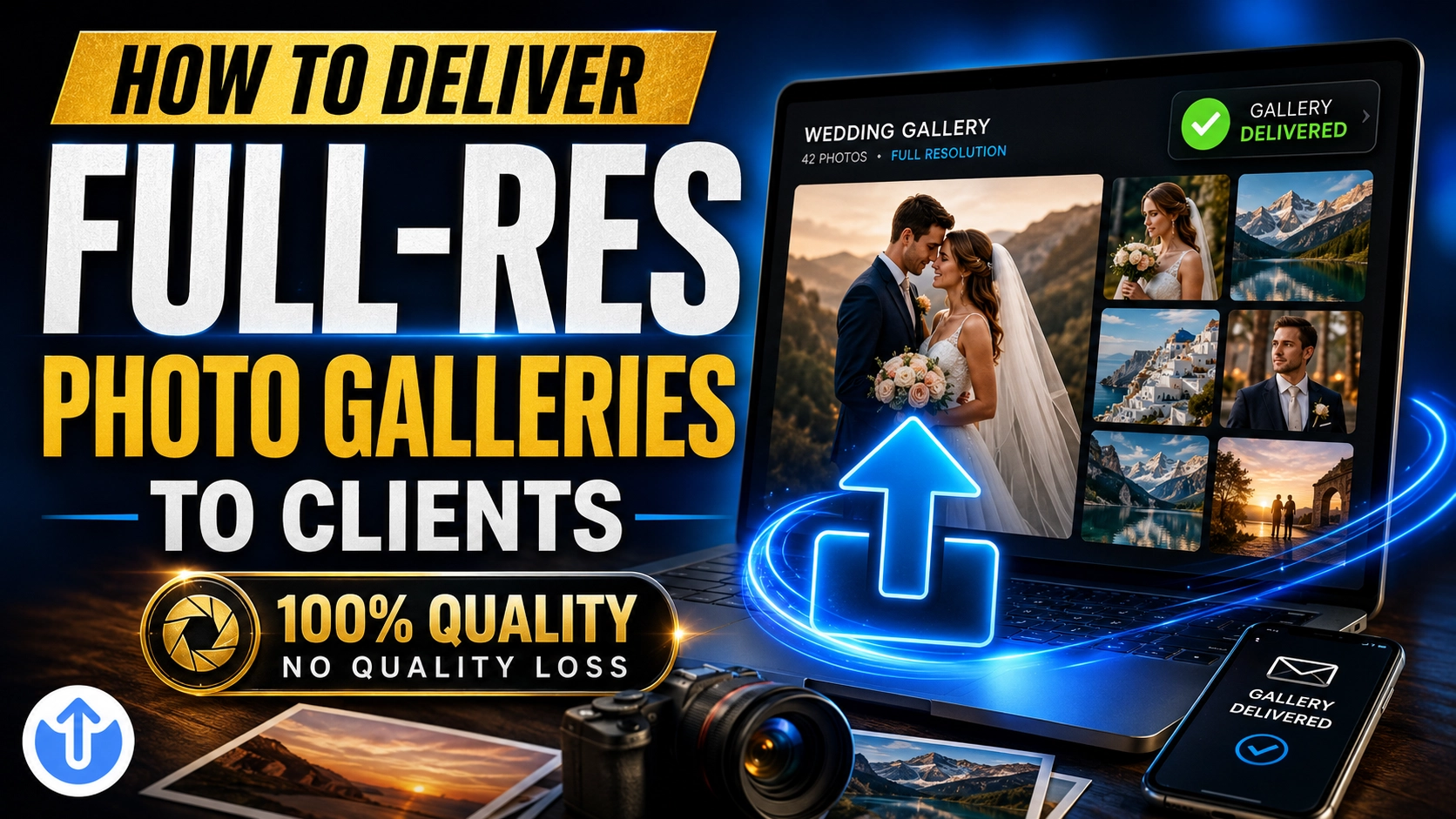
You shot the wedding, culled 4,000 frames down to 800 keepers, and spent two weeks perfecting every edit. Then comes the part nobody warns you about: actually getting those full-resolution files into your client's hands. Email bounces them, USB drives go missing in the mail, and consumer cloud folders make your carefully crafted gallery look like a tax archive.
Delivery is the last impression your studio makes — and for many photographers, it's the weakest link in an otherwise polished workflow. The good news: delivering a full-resolution gallery that looks professional, previews beautifully, and downloads reliably takes about five minutes once you have the right setup. Here's exactly how to do it.
Why email, USB drives, and consumer cloud fall short
Email caps out long before your gallery does
Most email providers cap attachments at around 25 MB — that's two or three full-resolution JPEGs from a modern mirrorless camera, not an 800-image wedding gallery. You end up splitting the delivery across dozens of messages, half of which land in spam. We covered the workarounds in how to send large files via Gmail, but for client galleries, email simply isn't the tool.
USB drives are slow, costly, and fragile
Physical delivery sounds premium until you do the math: the drive, the packaging, the postage, and the two to five days in transit all come out of your margin. Worse, you have no idea whether the client received it or opened it, and a single dead drive means an awkward conversation and another week of waiting.
Consumer cloud folders confuse clients
Shared Google Drive or Dropbox folders trigger sign-in walls, "request access" emails, and permission errors — usually at 9 p.m. when your client's parents are trying to see the photos. And even when everything works, a generic file list with no presentation layer undersells images you spent weeks perfecting.
What clients actually want from gallery delivery
Ask any couple or portrait client what they want, and the answer is refreshingly simple. They are not impressed by your storage provider; they want the photos, with zero friction:
- One link that just works — no logins, no apps, no account creation
- Previews before downloading — they want to see the images immediately, then decide what to save
- It works on a phone — most clients open the gallery on mobile first, often within minutes of receiving it
- Privacy — wedding and family photos shouldn't be one guessable URL away from strangers
- Full resolution — the actual files, not recompressed thumbnails
Any delivery method that misses one of these creates a support email for you. A method that misses two or three creates doubt about your professionalism — fair or not, clients judge the whole experience.
How to deliver a photo gallery with EveryTransfer
EveryTransfer was built for exactly this handoff: you upload full-resolution files, your client gets a single link with an in-browser gallery, and nobody on the receiving end ever needs an account. Here's the workflow from export to delivered:
- Export and upload your full-resolution files. Drag your finished JPEGs straight into EveryTransfer. Uploads are chunked and resumable, so flaky studio Wi-Fi won't send you back to zero.
- Pick the right tier for the gallery size. Small session galleries often fit under the 1 GB no-account limit. For full wedding collections and pro features, sign in — the free account is free forever, and you can compare limits on the plans page.
- Add a password. One shared password keeps the gallery private to your client and their family without adding login friction.
- Set an expiry date and download limit. Choose how long the gallery stays live — 30, 60, or 90 days are common — so delivery has a clear, professional endpoint.
- Apply your branding. On paid plans, add your logo, colors, and even your own domain, so the download page looks like your studio rather than a file host.
- Send the link and watch it land. Turn on download notifications (email, Slack, Discord, or Telegram) and you'll know the moment your client grabs the files — no awkward "did you get them?" follow-up.
Your client opens the link, scrolls a clean image gallery right in the browser — on desktop or phone — and downloads everything, or just their favorites, in full resolution.
The pro touches that make delivery feel premium
Make the link look like your studio
A delivery page with your logo and your domain quietly reinforces everything the client paid for. Custom branding and custom domains turn a utilitarian download into a branded experience — the same reason you don't deliver albums in a plain cardboard box.
"The gallery link is part of the product. If the link looks generic, your brand does too."
Know they got it — without asking
Download notifications and download analytics close the loop. You can see that the gallery was opened and downloaded, which is also useful proof of delivery if a client claims they never received their photos. When the expiry date approaches and analytics show no download yet, a friendly reminder email saves everyone a headache.
What about cost?
For mini-sessions and small portrait shoots, the free tier covers you: send up to 1 GB per transfer without even creating an account, and a free account stays free forever. When you're ready for branding, bigger galleries, and encryption at rest, paid plans come with a 14-day money-back guarantee, so there's no risk in testing it on a real wedding delivery.
Frequently Asked Questions
Should I deliver RAW files or JPEGs to clients?
Deliver high-resolution JPEGs to almost all clients, and keep RAW files in your own archive. RAW files are unfinished work: they're huge, they need specialized software to open, and they don't reflect your editing — which is half of what the client paid for. The exception is commercial work where the contract explicitly includes RAW or TIFF delivery; in that case, price it accordingly and send those files as a separate transfer.
How long should I keep client galleries live?
Thirty to ninety days is the sweet spot for most studios. It's long enough for clients to download at their leisure and share the link with family, but short enough to set a clear expectation that downloading is their responsibility. Put the expiry date in your delivery email and your contract, set it as the custom expiry on the transfer, and let download tracking confirm they actually saved the files before the gallery closes.
What if a client asks for their photos again after the gallery expires?
Re-delivery is simple: create a new transfer from your archive and send a fresh link. Because you keep the masters, an expired link never means lost photos — it just means a new delivery. Many photographers offer one free re-delivery within a year and charge a small archive fee after that, which is easy to justify when you can point to the original expiry date you communicated.
Do my clients need an account to view or download the gallery?
No — recipients never need an EveryTransfer account. They open your link, preview the gallery in their browser, enter the password if you set one, and download. That single fact eliminates the majority of delivery support emails photographers deal with on consumer cloud platforms.
Deliver galleries your clients will rave about
Great delivery is invisible: one branded link, a gorgeous preview, full-resolution downloads on any device, and quiet confirmation that everything arrived. Set it up once, save it as your standard workflow, and the last step of every shoot becomes the easiest one.
Send files free with EveryTransfer